Jianfeng Ceiling Fan Controller

Home / Product Catalog / AC Remote

AC Ceiling Fan
Remote Control Kits

Matched AC ceiling fan controllers and remotes for OEM projects, with model-specific speed, lighting and receiver options.

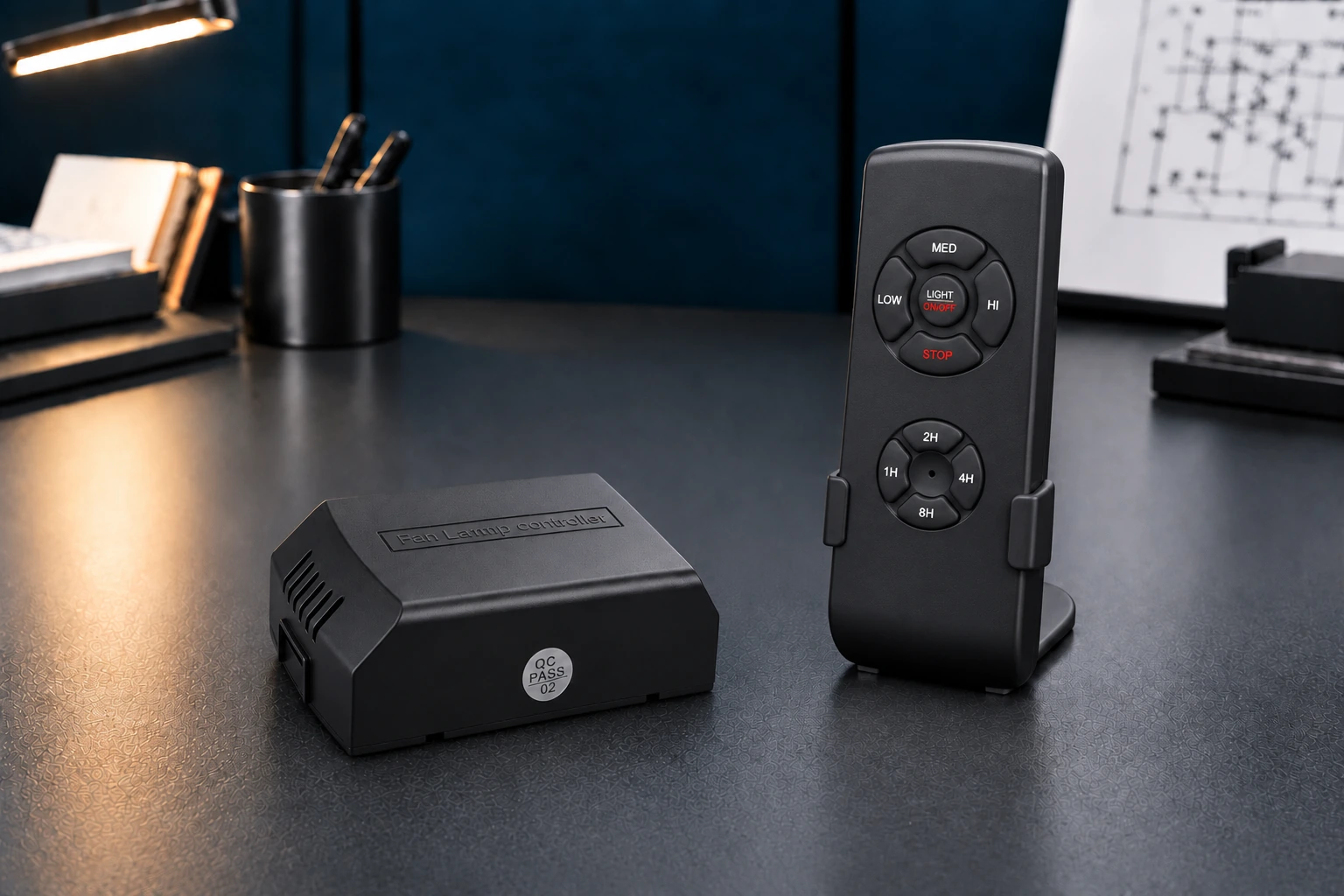
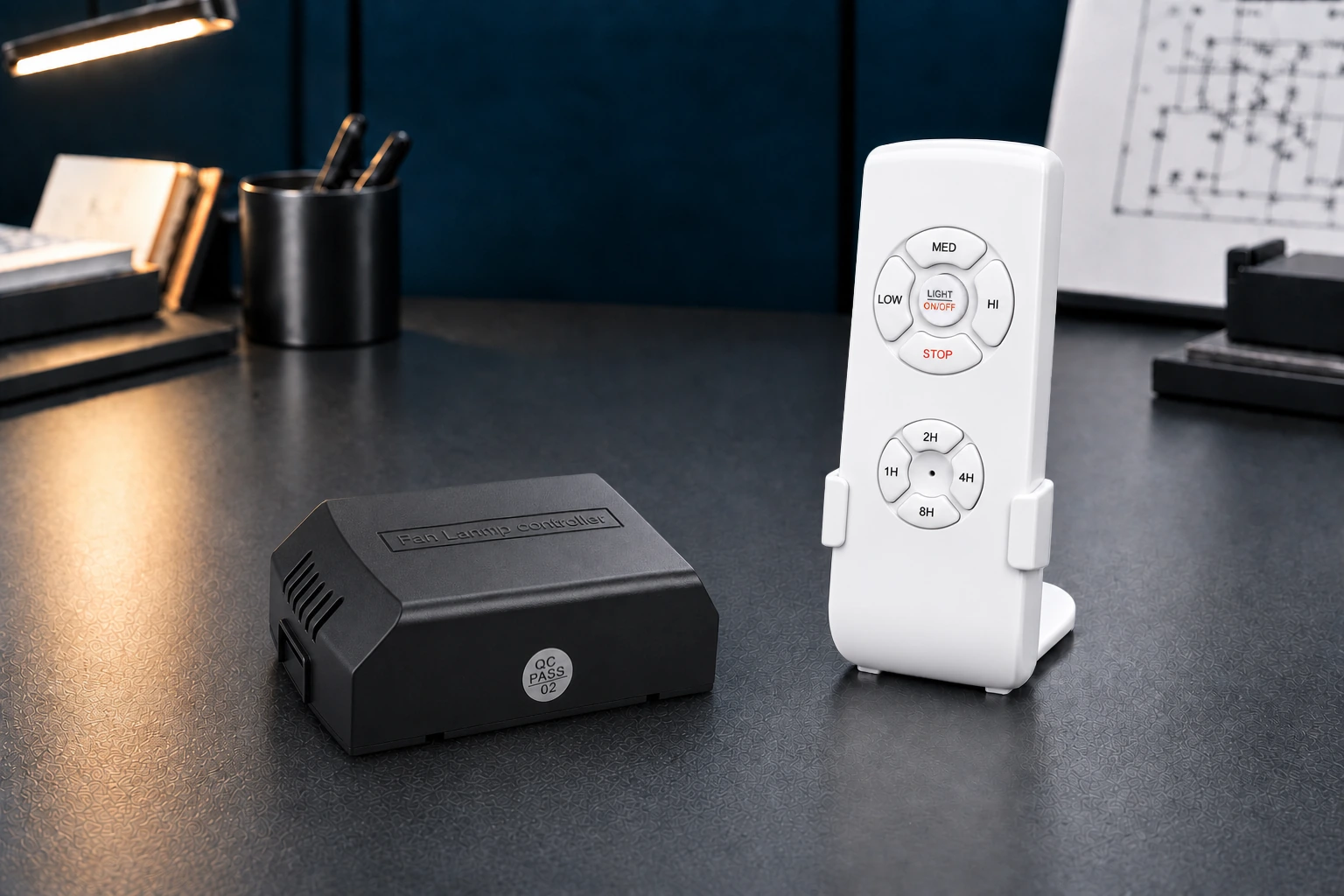
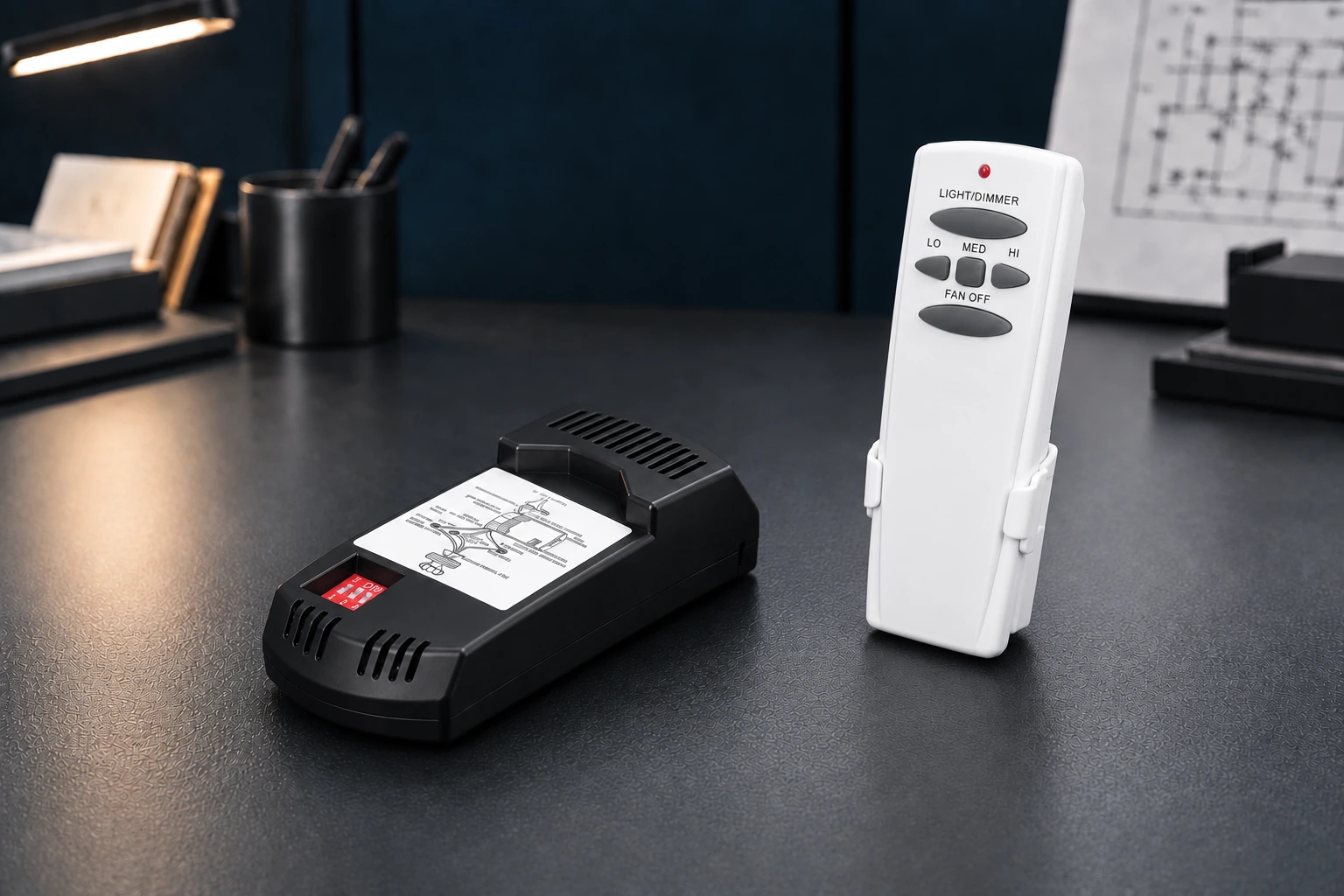
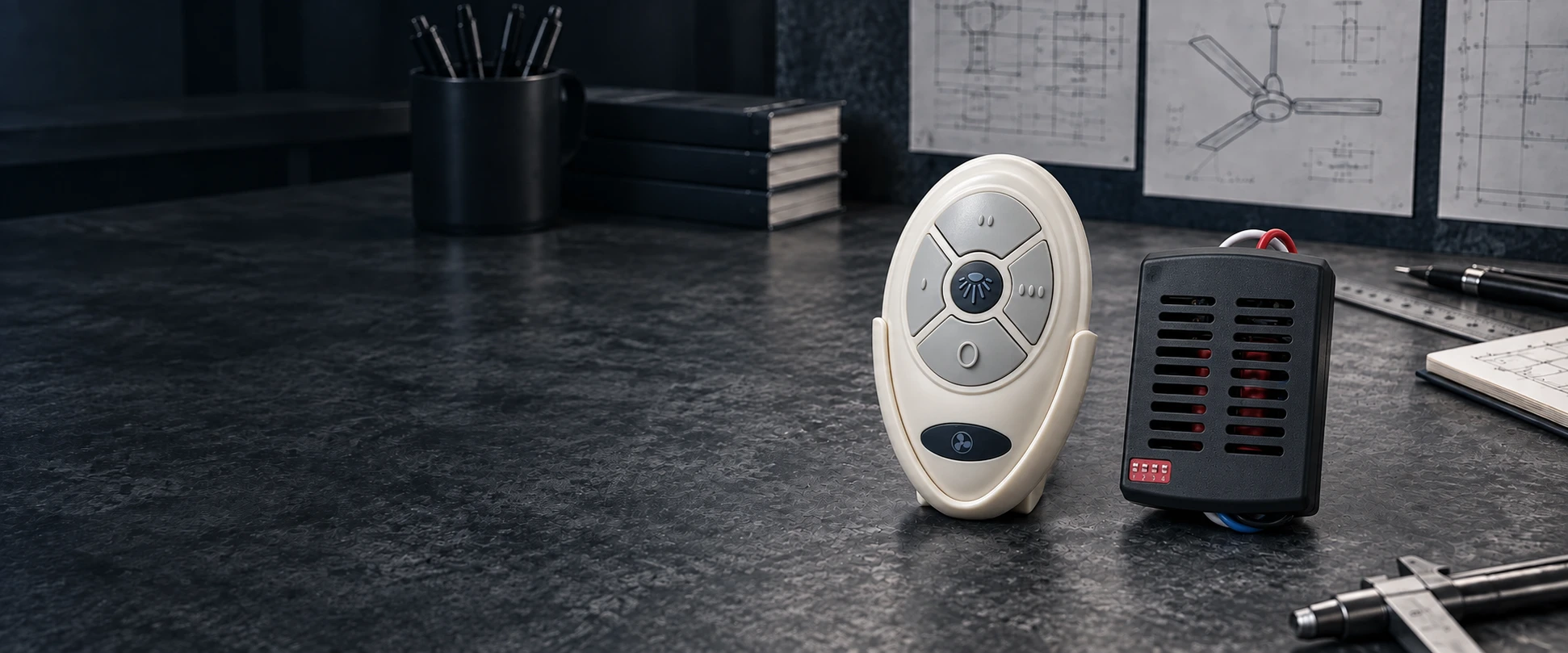
35T AC ceiling fan remote and black receiver on an illustrative engineering workbench

Compare AC Remote Control Kits

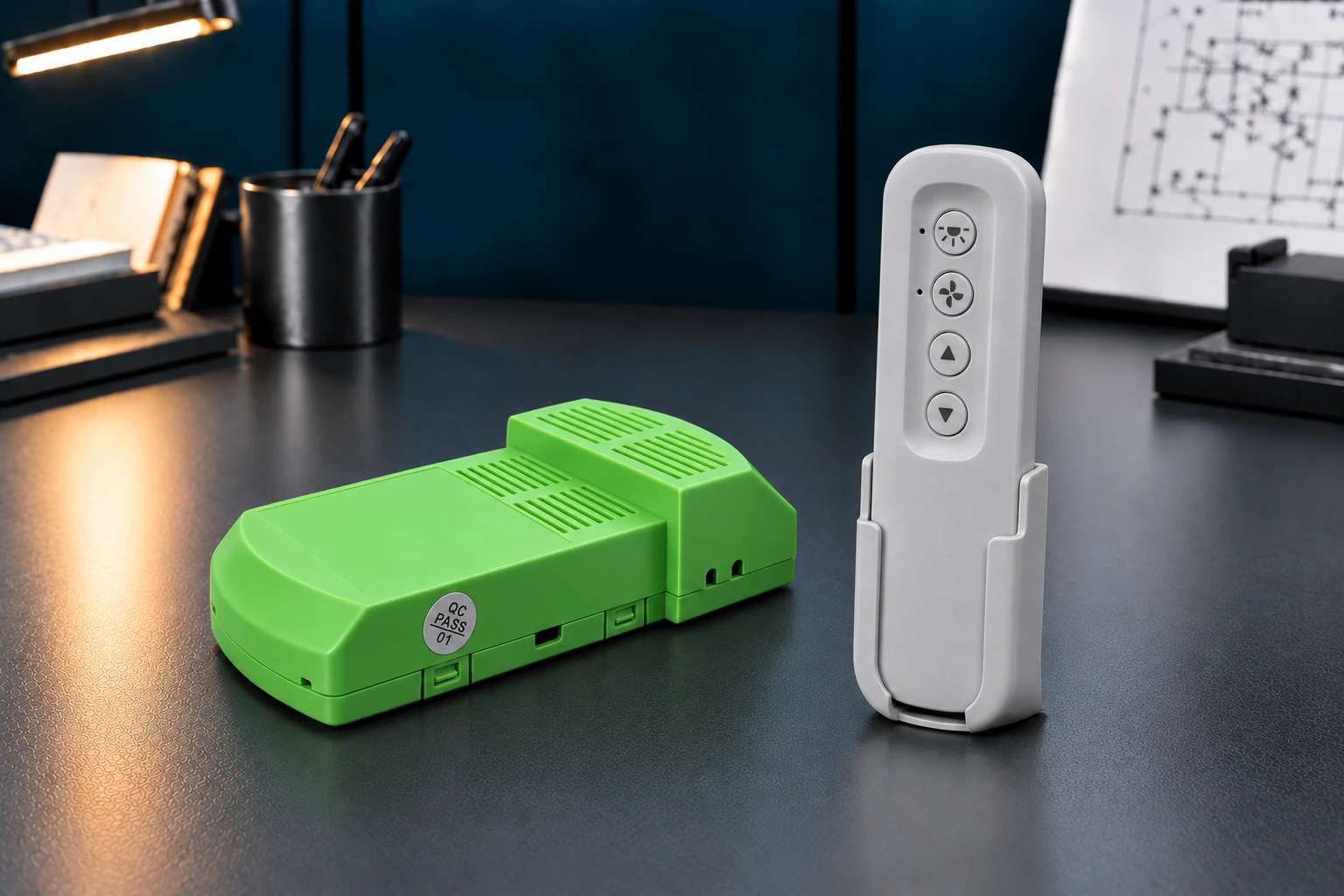
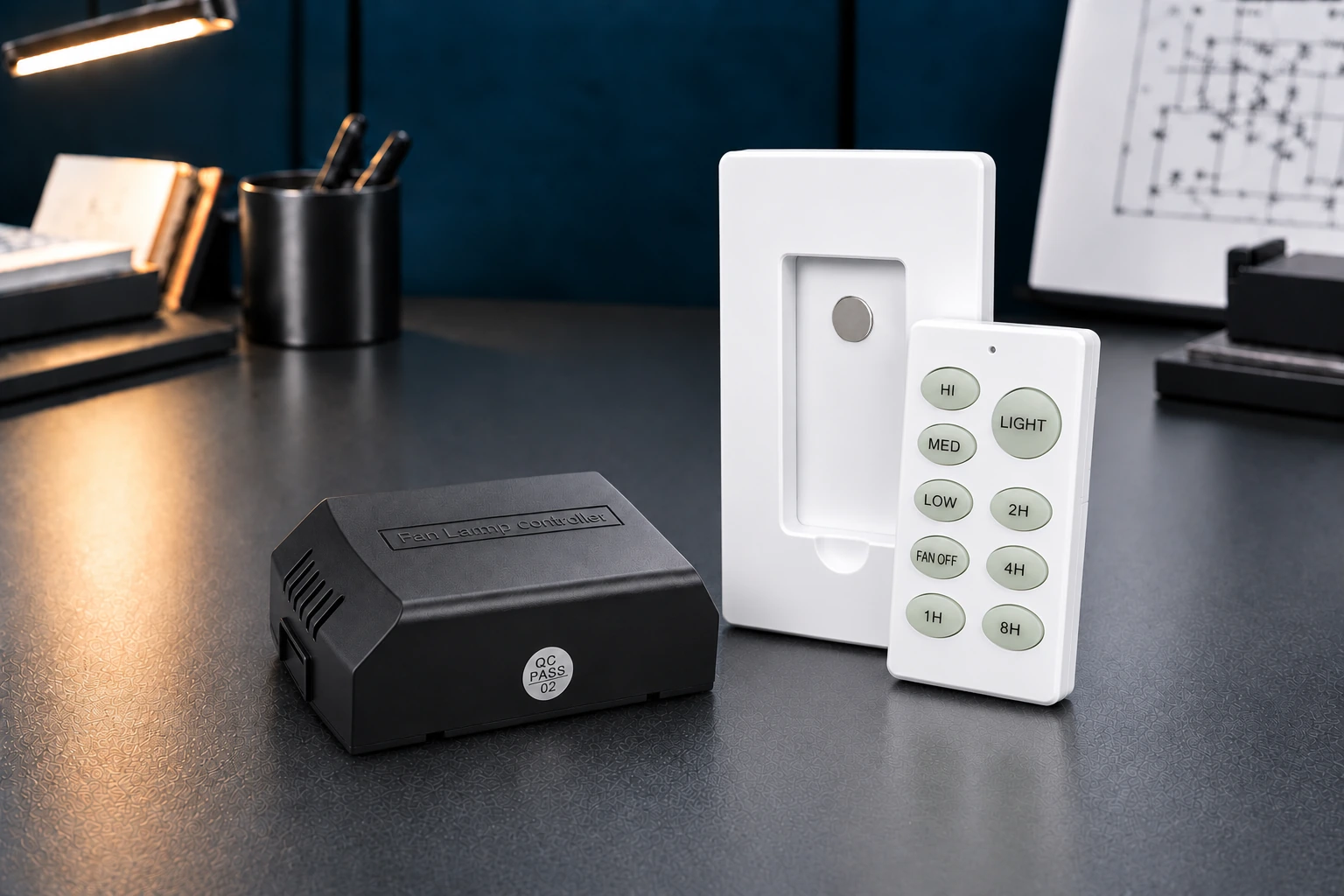
Choose a 3-speed ceiling fan remote control or the 5-speed FC-5AC. Compare light switching, dimming and selected reverse functions below. Each kit pairs a remote with a receiver; confirm the motor, electrical ratings and installation space for your fan.

Showing 1–10 of 14 AC models.

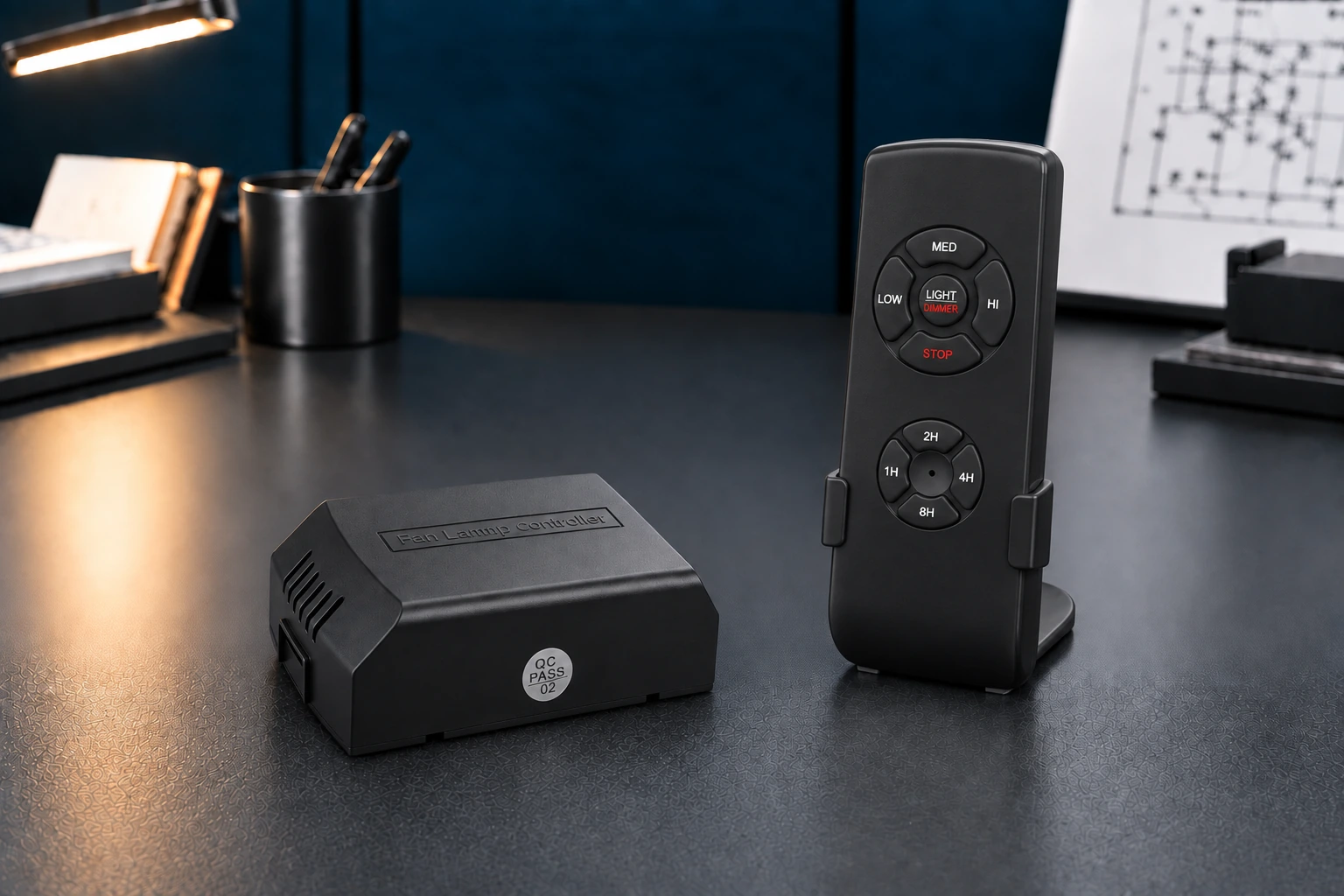
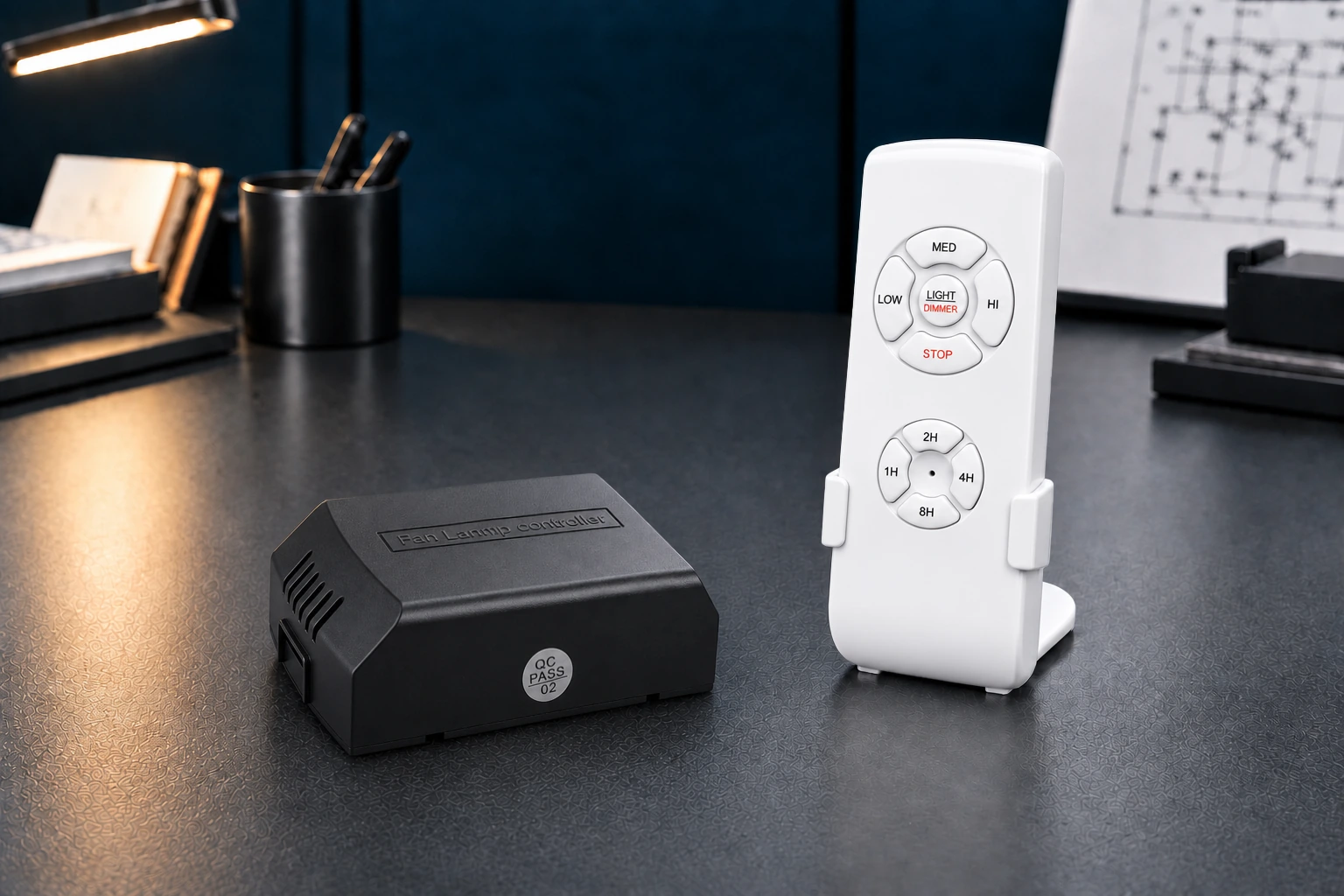
JF-016

3 speeds / Light dimming / Timer
110–120 V AC, 50/60 Hz
Receiver: 70 × 53 × 25 mm

JF-018 Black

3 speeds / Light on/off / Timer
110–120 V AC, 50/60 Hz
Receiver: 70 × 53 × 25 mm

JF-018

3 speeds / Light on/off / Timer
110–120 V AC, 50/60 Hz
Receiver: 70 × 53 × 25 mm

JF-35T

3 speeds / Light dimming
110–120 V AC, 50/60 Hz
Receiver: 70 × 53 × 25 mm

JF-53T

3 speeds / Light dimming
110–120 V AC, 50/60 Hz
Receiver: 115 × 53 × 28 mm

JF-HD5

3 speeds / Light dimming
110–120 V AC, 50/60 Hz
Receiver: 115 × 53 × 28 mm

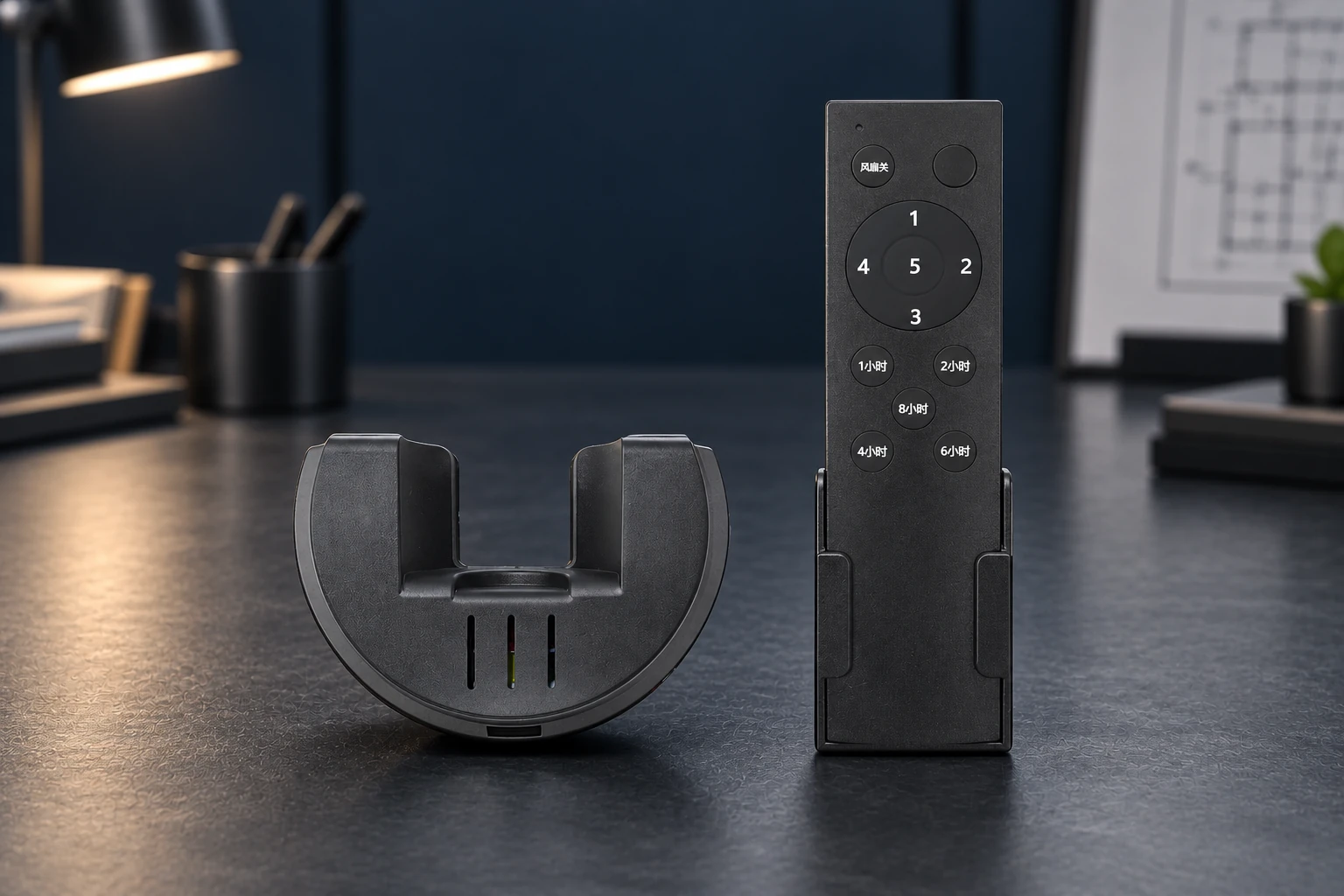
JF-FC-5AC

5 speeds / Timer
Confirm ratings and receiver dimensions during review.

JF-028 Black

3 speeds / Light dimming / Timer
110–120 V AC, 50/60 Hz
Receiver: 70 × 53 × 25 mm

JF-028

3 speeds / Light dimming / Timer
110–120 V AC, 50/60 Hz
Receiver: 70 × 53 × 25 mm

JF-99770 Semi-Circle Gray

3 speeds / Light dimming
110–120 V AC, 50/60 Hz
Receiver: 115 × 50 × 28 mm

Summaries show selected functions. Open each model for its full specifications; confirm any unlisted ratings before ordering.

Match the Controller to Your Fan

Review these points before choosing an AC ceiling fan controller or approving a sample.

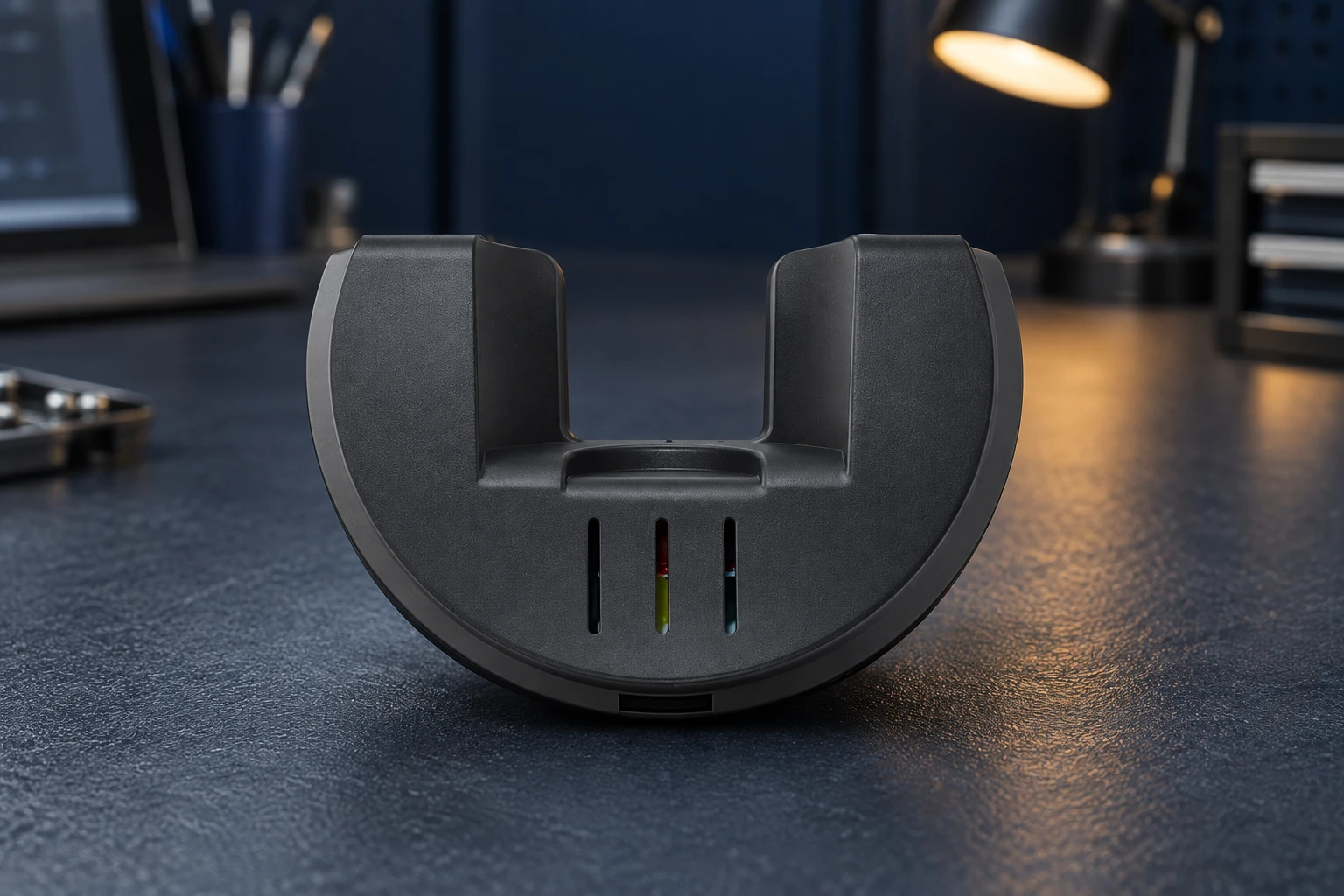
Close-up of the black FC-5AC curved ceiling fan receiver housing

Voltage & load

Match the specified supply voltage and frequency. Check motor and light ratings separately: a motor rating in amperes is not interchangeable with a lamp rating in watts.

Motor & lighting

Confirm the AC motor wiring and required speeds. Light on/off, dimming and reverse are model-specific; verify the motor and lamp are suitable for the selected functions.

Receiver space

Compare the receiver drawing with usable canopy space. Allow for connectors, cable routing and installation clearance, then check fit in the complete fan assembly.

Use the model-specific wiring diagram and have mains wiring handled by a qualified installer.

AC Remote Selection Questions

Models such as 35T offer three fan speeds. FC-5AC offers five speeds, speed memory and a 1/2/4/6/8-hour off timer. These options use matched receiver configurations; an extra speed button does not make a handset interchangeable. Confirm FC-5AC electrical ratings and receiver dimensions during review.

018 lists light on/off, while 016 and 028 list brightness adjustment. Dimming still requires a compatible lamp and load. HD6 lists forward/reverse; check the motor and wiring requirements before selection. Do not assume every AC kit supports dimming or remote reverse.

The published dimensions for 016, 018, 028 and 35T are 70 × 53 × 25 mm. The 99770 variants are 115 × 50 × 28 mm; 53T, HD5 and HD6 are 115 × 53 × 28 mm (L × W × H). Confirm the selected model drawing and allow additional room for wiring and installation.

Matching frequency alone is insufficient. The radio protocol, pairing method, receiver functions and wiring must also match. Send the existing remote and receiver model numbers, label photos and wiring information for review. Validate an approved matched sample in your complete fan before placing a production order.
PROJECT INQUIRY

Discuss Your AC
Controller Requirements

Send your motor details, fan and light loads, receiver space, required functions, target market and estimated quantity for an OEM AC fan remote control review.

Black FC-5AC ceiling fan remote beside its curved receiver on a workbench
Add technical details (optional)

Sample arrangements, customization, MOQ and delivery timing are confirmed for each project.

Scroll to Top